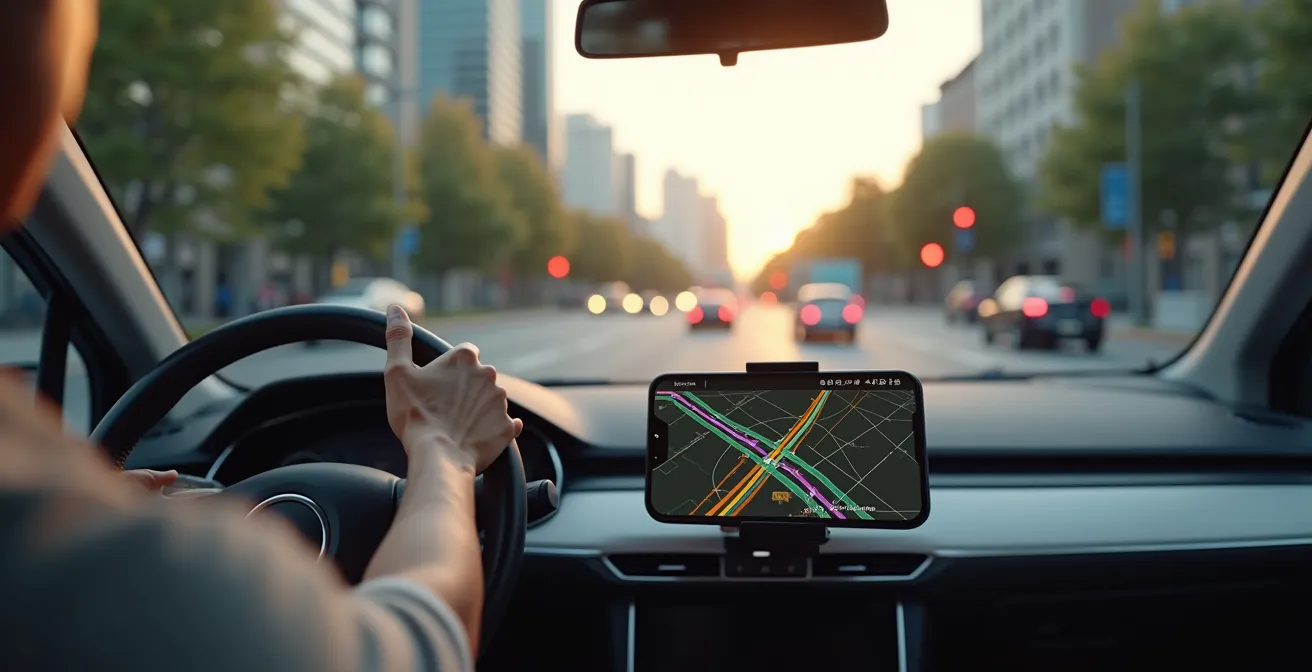
Blindly following your GPS is the fastest way to get lost; the key isn’t a better app, but a smarter strategy.
- Navigation algorithms often have “blind spots,” prioritizing the shortest route over road quality or real-world logic.
- Relying on a single app like Google Maps is a single point of failure. A multi-tool “navigation stack” is the superior approach.
Recommendation: Always perform “digital ground-truthing”—verifying your app’s suggested route with satellite views and a paper map—before you even start the car.
You’ve been there. The calming voice of your GPS promises a brilliant shortcut, a clever bypass to the soul-crushing traffic ahead. You trust it. You turn off the main road, and ten minutes later, you’re staring at a “Private Property” sign, a muddy field, or a road that hasn’t been paved since the Eisenhower administration. The target of this guide is precisely that driver—the one who trusts their tech implicitly, only to be betrayed by it. We’ve all been trained to be passive passengers to our navigation systems, but this passive trust is the root of the problem.
The common advice is to simply switch apps: “Use Waze for this, Google for that.” While there’s a kernel of truth there, it misses the larger point. The issue isn’t just which app you use, but *how* you use them. These are powerful tools, but they operate on algorithms with inherent flaws and what can be called algorithmic blind spots. They don’t understand context, nuance, or common sense. They just calculate the path of least resistance based on incomplete data.
But what if the solution wasn’t finding the one “perfect” app, but becoming a smarter navigator who understands the system’s weaknesses? This guide will shift your mindset from being a blind follower to a savvy, strategic driver. We will deconstruct why these apps fail and provide you with a framework—a “navigation stack”—to layer digital tools with analog awareness. We’ll show you how to vet routes, find hidden gems, and build a system so robust it works even when your signal dies. It’s time to take the wheel back from the algorithm.
This article breaks down the essential strategies for mastering your digital navigation tools. From understanding the unique strengths of different apps to preparing for total signal loss, each section provides the insights needed to transform you into a proactive, unflappable navigator.
Summary: A Driver’s Guide to Outsmarting Modern GPS
- Why Waze Is Better Than Google Maps for Speed Traps?
- How to Download Huge Map Areas Before You Lose Signal?
- Phone or Dedicated GPS: Which Survives a 10-Hour Drive?
- The Algorithm Mistake That Sends You Down a Dirt Road
- How to Use Satellite View to Spot Swimming Holes Near the Road?
- How to Filter Your Map to Find Clean Restrooms on the Route?
- How to Lock Your Phone Away for 3 Days Without Panicking?
- Why You Still Need a Paper Map in the Age of GPS?
Why Waze Is Better Than Google Maps for Speed Traps?
The fundamental difference between Waze and Google Maps for hazard detection isn’t just code; it’s community. While both are owned by Google, they operate on distinct philosophies. Google Maps uses a mix of historical data and anonymized live user data to predict traffic. Waze, however, is a real-time, crowdsourced intelligence network. Its primary advantage is its active user base reporting events as they happen. This is why it consistently outperforms other apps for transient, unpredictable events like police speed traps.
The secret sauce is a dedicated, almost fanatical community. Waze’s edge comes from a volunteer force of roughly 30,000 map editors who constantly validate and update map data. When a user reports a police car, other Wazers in the area are prompted to confirm if it’s still there. This feedback loop creates a highly accurate, self-correcting system for real-time hazards that a purely algorithmic approach struggles to match. While studies show most drivers rely on Google Maps, those who use Waze report significantly higher effectiveness in spotting traps.
To maximize this advantage, you must become an active participant, not just a passive consumer of alerts. Confirming or denying alerts with a simple tap improves the system for everyone and increases your own reliability score within the app, which can lead to your reports and confirmations being prioritized. For ultimate protection, a savvy driver builds a “navigation stack” by running Waze for its real-time alerts while using Google Maps for its superior lane guidance and POI (Point of Interest) database. This layered approach gives you the best of both worlds.
How to Download Huge Map Areas Before You Lose Signal?
The fear of losing your signal in a remote area and being left digitally stranded is real. The standard advice, “download offline maps,” is often too simplistic. Google Maps allows you to save small, rectangular areas, but this is clunky for long, meandering road trips and the offline functionality is basic. To achieve true signal independence, you need to think bigger and use more specialized tools. The goal is to download entire states or countries, complete with detailed topography and points of interest, so your device functions as a fully independent navigation unit.
For this, power users turn to apps like OsmAnd and Maps.me. These are built from the ground up for offline use, using OpenStreetMap data which is often more detailed than commercial maps, especially for trails and rural paths. OsmAnd allows users to carry highly detailed, fully offline maps of any region worldwide. Unlike Google’s offering, these apps provide full offline functionality, including searching for POIs, creating complex routes, and even displaying contour lines for elevation—all without a single bar of cell service.
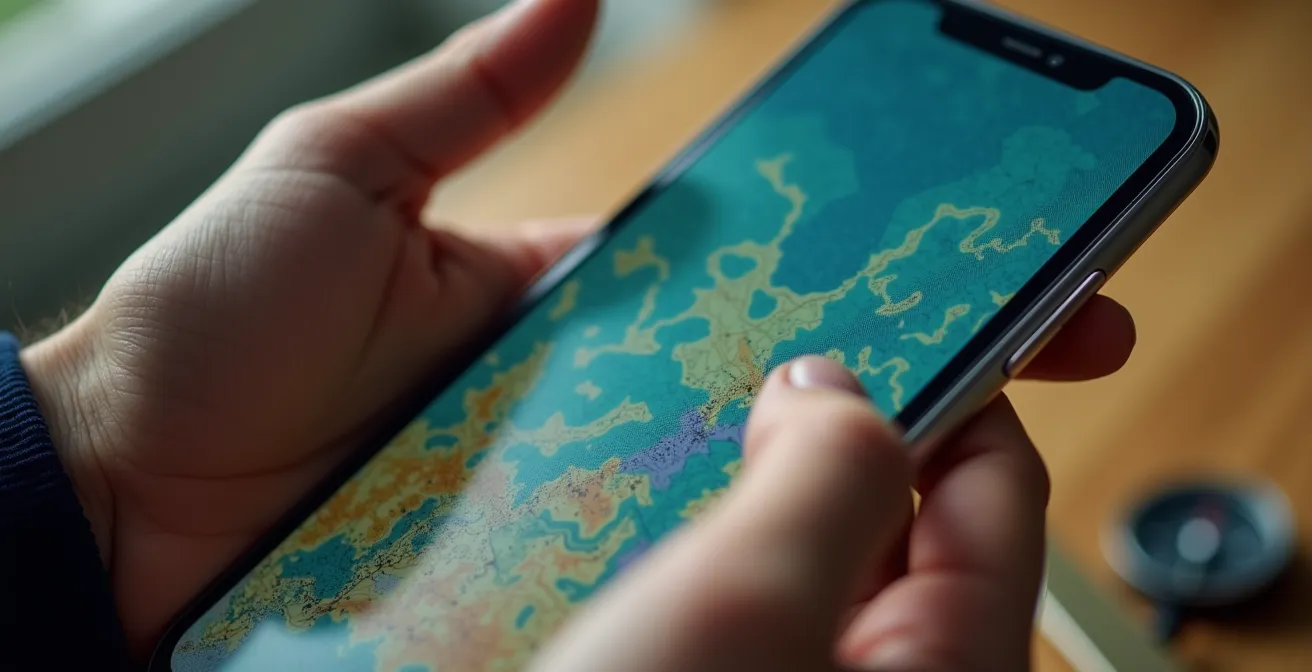
The key is strategic planning before you leave Wi-Fi coverage. Instead of downloading a narrow corridor along your route, download the entire region you’ll be traversing. This gives you the flexibility to make detours or explore side roads without anxiety. While this requires more storage, the peace of mind is invaluable. A quick comparison shows the trade-offs:
| Navigation App | Offline Capability | Storage per Region | Features Available Offline |
|---|---|---|---|
| Google Maps | Limited areas | 100-500 MB | Basic navigation only |
| HERE WeGo | 100+ countries | 200-800 MB | Full navigation, no traffic |
| OsmAnd | Worldwide | 50-400 MB | Full features including POIs |
| Maps.me | Worldwide | 30-300 MB | Navigation, search, bookmarks |
Ultimately, a robust offline map strategy isn’t just a backup; it’s a fundamental part of a resilient navigation system. It frees you from dependence on unreliable cellular networks and empowers you to explore with confidence.
Phone or Dedicated GPS: Which Survives a 10-Hour Drive?
Relying solely on your smartphone for a cross-country drive is a high-stakes gamble. Your phone is a jack-of-all-trades but a master of none when it comes to endurance navigation. The primary culprits are battery drain and overheating. Constant GPS polling, screen-on time, and data processing mean that navigation apps are known to significantly impact battery life, often draining it faster than a standard car charger can replenish it. Furthermore, a phone mounted on the dashboard in direct sunlight can easily overheat, causing it to throttle performance or shut down entirely at the worst possible moment.
A dedicated GPS unit (from brands like Garmin or TomTom) is engineered for one task: navigation. Its hardware is optimized for continuous satellite connection with low power draw, its screen is designed for visibility in sunlight, and its software is hardened against crashes. It won’t be interrupted by calls or notifications, and it frees up your phone to manage music, podcasts, or emergency calls. For any drive longer than a few hours, especially through areas with spotty service, the reliability of a dedicated GPS is unmatched.
However, the ideal solution for a modern tech-savvy driver isn’t an either/or choice; it’s a hybrid approach. Use your car’s system via Android Auto or Apple CarPlay as the primary interface. This offloads processing to the vehicle, keeps your phone charged, and prevents overheating. Your phone acts as the brain, running your preferred app (Waze, Google Maps), while the car’s display provides a large, stable interface. A dedicated GPS unit then serves as a rock-solid backup, pre-loaded with your route and ready to take over instantly if your phone system fails. This creates a redundant, resilient “navigation stack” that can handle anything a 10-hour drive throws at it.
The Algorithm Mistake That Sends You Down a Dirt Road
The “shortcut” that turns into a dead-end dirt road is a classic GPS failure, and it stems from a fundamental flaw: the algorithm’s inability to understand road quality. Navigation apps like Google Maps have sophisticated models; they know typical traffic speeds on roads and can predict congestion. However, their primary goal is often to find the mathematically shortest or fastest path. An unpaved service road or a private driveway might look like a brilliant shortcut on a digital map, and the algorithm, lacking real-world context, will happily route you down it to save 30 seconds.
This is a perfect example of an algorithmic blind spot. The system sees a line on a map connecting two points and assumes it’s a viable road for a standard passenger car. It doesn’t differentiate between smooth asphalt and a rutted track designed for a tractor. This is where the passive follower gets into trouble, but the savvy navigator thrives. The solution is to develop a habit of “digital ground-truthing”— a quick, critical verification of the route before you commit to an unfamiliar turn.
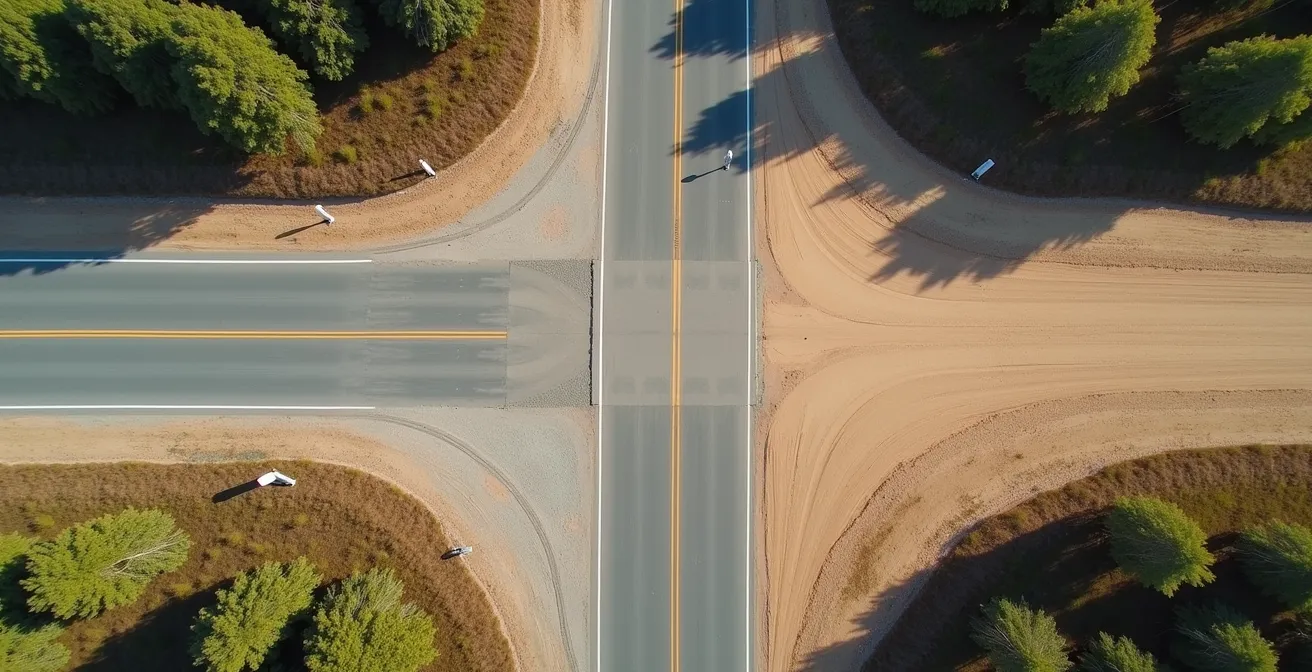
The most powerful tool for this is satellite view. Before you blindly accept a reroute onto a road named something like “Old Mill Trace,” take five seconds to switch your map to satellite imagery. The difference is often immediately obvious. Is the road a clean, dark line of pavement, or is it a faint, brown track that disappears into the trees? Are there houses and other cars, or does it lead to an empty field? This simple act of visual verification is your best defense against the algorithm’s lack of common sense. It’s the digital equivalent of looking down the road with your own eyes before you turn the wheel.
How to Use Satellite View to Spot Swimming Holes Near the Road?
Beyond avoiding hazards, the skill of “digital ground-truthing” can be used for something far more rewarding: discovering hidden gems. A paper map might show a river, but a satellite view can show you a perfect, secluded swimming hole just a short walk from the highway. This is where you transform from a mere navigator into an explorer, using the same tools to unlock spontaneous adventures.
The process is a form of digital reconnaissance. While cruising down a highway on your map app, periodically switch to satellite view and scan the areas alongside the road, particularly where it crosses rivers or lakes. You’re looking for specific visual cues:
- Water Color: Look for patches of bright blue or green water, which often indicate sandy or rocky bottoms, as opposed to murky brown or dark green, which suggest mud and vegetation.
- Access Trails: Scan for faint, unofficial footpaths leading from the road or a pull-off area down to the water. A worn path is a sure sign that people have gone there before.
- Shoreline Type: Identify sandy beaches or large, flat rock slabs along the water’s edge. These are ideal for easy entry and lounging, unlike steep, overgrown banks.
- Parking Clues: Look for small, unofficial dirt pull-offs or wider shoulders on the road near a promising spot. This is where others have likely parked to access the location.
Once you’ve identified a potential spot, you can cross-reference it. Check apps like OnX Hunt to verify if the land is public or private. Do a quick search on Instagram for geotags of the nearby river or landmark; you might find recent photos confirming the spot’s condition. This combination of satellite imagery and social media sleuthing allows you to vet and discover incredible places that will never appear on any official map or list of attractions. It’s the ultimate reward for the tech-savvy traveler.
How to Filter Your Map to Find Clean Restrooms on the Route?
One of the most pressing needs on any long road trip is finding a clean, reliable restroom. Simply searching for “rest stop” on a map is a roll of the dice; it can lead you to a pristine welcome center or a gas station horror show. Here again, a smarter strategy beats a generic search. Instead of searching for the facility itself, you can use a technique called “proxy searching”: searching for businesses that are known for maintaining clean facilities as a part of their brand standard.
The logic is simple. A random gas station has little incentive to maintain a spotless restroom, but a brand like Starbucks, Barnes & Noble, or a major supermarket like Target has a corporate-wide standard to uphold. Their reputation depends on a consistent, clean customer experience. By searching for these “proxy” locations along your route, you dramatically increase your odds of finding a pleasant stop. You can even filter your search results by “open now” and a minimum 4-star rating to further refine your options.
Modern map apps facilitate this. Google Maps, for instance, allows you to add stops along your route and search for categories of businesses. You can create a custom “My Maps” layer before your trip with pre-vetted locations of your favorite reliable chains. For an even more focused approach, dedicated apps like GasBuddy not only help you find fuel but also feature user-submitted ratings specifically for restroom cleanliness. By combining proxy searching with user ratings, you’re no longer gambling. You’re making a data-driven decision, turning a moment of potential travel stress into a predictable, clean, and efficient break.
How to Lock Your Phone Away for 3 Days Without Panicking?
The ultimate test of a savvy navigator is the ability to operate completely untethered from the digital grid. A true digital detox or a trip through a vast no-service zone requires moving beyond basic offline maps and creating a fully self-sufficient navigation and information system. The goal is to eliminate the panic that comes with a dead phone or a “No Service” message by being thoroughly prepared. This is the pinnacle of signal independence.
The core strategy is to prepare a dedicated, offline “Travel Unit.” This could be an old smartphone with no SIM card, a tablet, or even your primary phone with cellular data and Wi-Fi disabled. Before your trip, this device becomes a digital go-bag. You’ll load it with everything you could possibly need, rendering an internet connection irrelevant.
This preparation turns a potential crisis into a minor inconvenience. Your Travel Unit provides all the navigation, information, and entertainment you need, while your primary phone can be turned off and saved for true emergencies or scheduled check-ins at Wi-Fi spots. It’s a system that provides peace of mind and allows you to fully immerse yourself in the journey without the constant anxiety of staying connected.
Action Plan: Building Your Phone-Free Navigation System
- Download Complete Maps: Use an app like OsmAnd or Maps.me to download detailed offline maps for your entire multi-day region, not just the route.
- Create Physical Backups: Print out key addresses, confirmation numbers, and a high-level overview of your route. Paper never runs out of battery.
- Load Offline Media: Download entire Wikipedia articles for points of interest, save playlists and podcasts, and screenshot any critical information like reservation details.
- Establish Check-in Protocols: If traveling with others, set pre-arranged times to check in using hotel or cafe Wi-Fi, eliminating the need for constant connectivity.
- Utilize a Secondary Device: Load an old smartphone or tablet with all your offline apps and media, keeping it separate and fully charged as your dedicated “Travel Unit.”
Key Takeaways
- Waze’s strength is its real-time human intelligence network, making it superior for spotting transient hazards like speed traps.
- True offline navigation requires specialized apps like OsmAnd that offer full functionality without a signal, far surpassing Google Maps’ basic features.
- Never trust an algorithm’s “shortcut” without first verifying it using satellite view to perform “digital ground-truthing.”
Why You Still Need a Paper Map in the Age of GPS?
In an age of hyper-detailed digital navigation, arguing for a folded piece of paper can feel nostalgic, even backward. But to dismiss the paper map as a mere backup is to misunderstand its greatest strength. A GPS screen is tactical; it shows you the next turn. A paper map is strategic; it shows you the entire world you’re traveling through. It provides context, perspective, and a sense of scale that a 6-inch screen simply cannot replicate.
A paper map’s greatest strength isn’t as a backup, but as a strategic planning tool. A screen shows you the next turn; a map shows you the entire region.
– Navigation Expert, Why traditional maps still matter in digital age
Spreading a map across a table or the hood of your car allows you to see the relationships between towns, the sweep of a mountain range, or the network of back roads in a way that pinching and zooming on a screen never can. This “big picture” view is essential for true strategic planning. It helps you spot alternative macro-routes, identify interesting geographical features to explore, and get a real feel for the landscape. It engages a different part of your brain, fostering a deeper understanding of your journey.
And yes, it is also the ultimate fail-safe. GPS is vulnerable. Signals can be blocked by urban or natural canyons, systems can be knocked out by solar flares, and batteries die. In post-disaster scenarios or remote wilderness, a paper map and a simple compass are often the only reliable tools. Integrating a paper map into your “navigation stack” isn’t a step backward; it’s the final layer of a truly robust and intelligent system. Use your apps for the turn-by-turn tactics, but use your paper map for grand strategy and ultimate security.
Start building your multi-layered ‘navigation stack’ today. By combining the right apps with critical thinking and reliable backups, you can transform your next road trip from a digital gamble into a finely-tuned and enjoyable strategy.